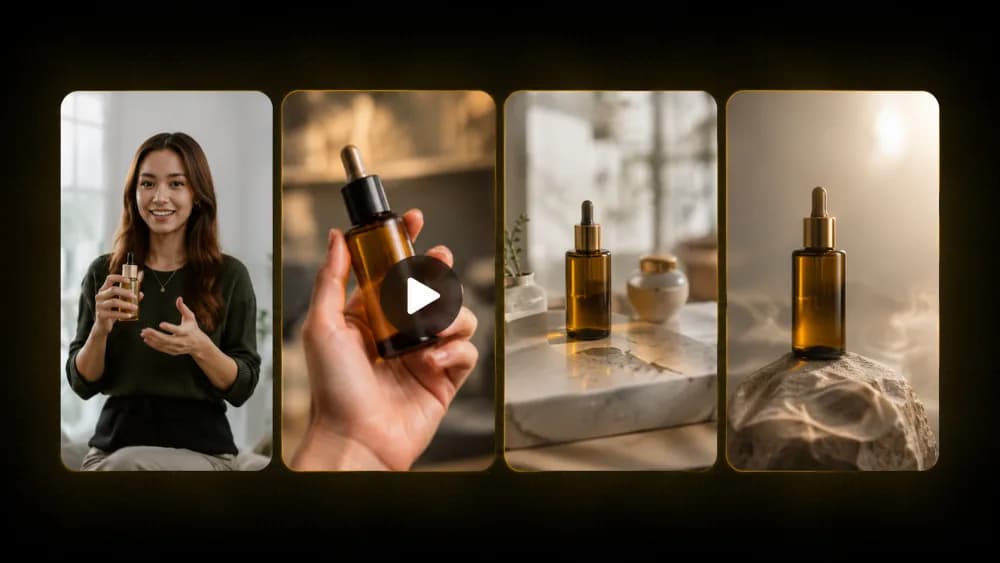
Connect Notch to Claude or ChatGPT and brief it like a teammate. Avatars, first frames, and scene clips arrive in your chat — and the finished ad lands right in the conversation.
Opens the connector dialog on claude.ai with everything prefilled. Review it, click Add, then Connect and sign in with your Notch account.
Prefer manual setup? Copy the URL and add it under Settings → Connectors.
Connect in
3 steps
Copy the connector URL
Grab the URL above with one click.
Add it in your AI chat
Paste it in Claude or ChatGPT connector settings.
Prompt Notch from chat
Brief it like a teammate and get ads, assets, and edits — fast.
Everything you (or your AI assistant) need, in plain text. Any client that supports remote MCP connectors can use the same URL.
Connector URL · streamable HTTP · OAuth sign-in
Claude Code / MCP-capable CLIs
Claude (web & desktop)
One-click add with everything prefilled, or paste the URL under Settings → Connectors → Add custom connector.
ChatGPT
Open settings and follow Settings → Connectors → Advanced → Developer mode → Create → paste the URL.
A full ad from one message
Describe your product and the Notch agent handles the rest — script, avatar, voiceover, footage, captions, and the edit. UGC video, product demo, or static.

Watch it happen live
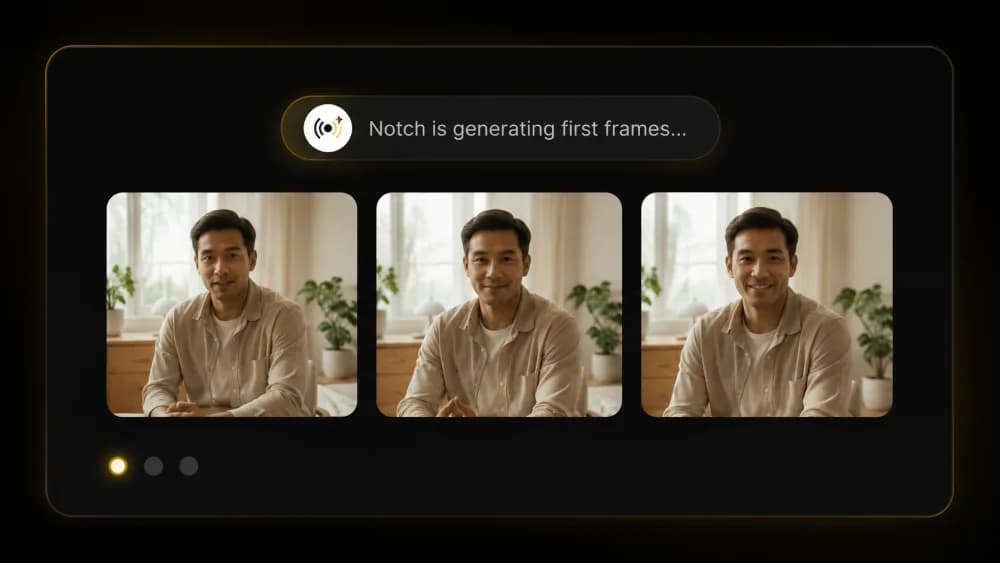
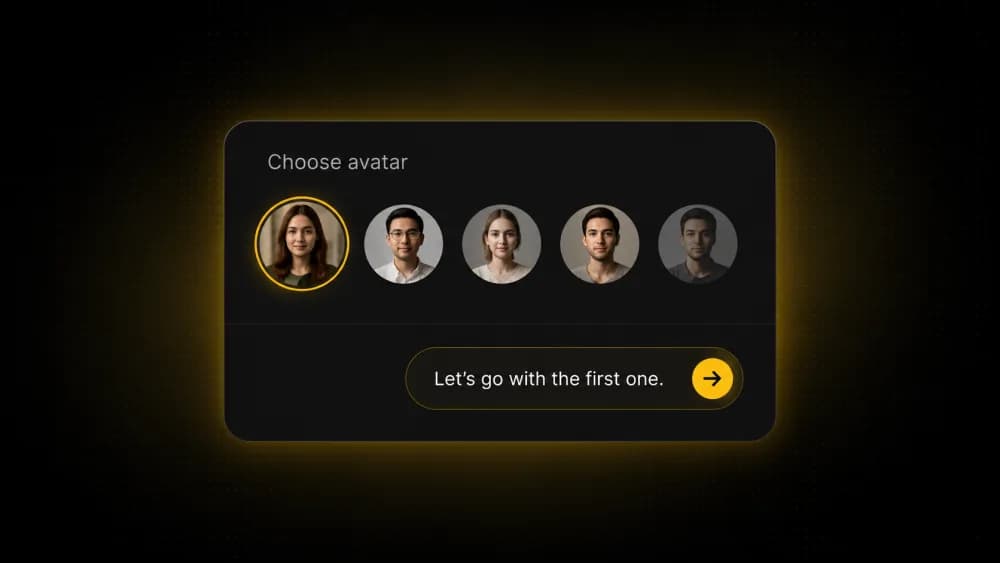
Avatar options, first frames, and scene clips stream into the chat as they're generated, so you see the ad take shape in real time.

You stay in control
The agent checks in at the moments that matter — storyboard, avatar, script — and you answer without leaving the thread. Every ad lands in your Notch workspace.
Your data stays private. Notch never trains on your content.

Questions?
Schedule a free 30-minute call with our founder, Vinay, to learn more about Notch.